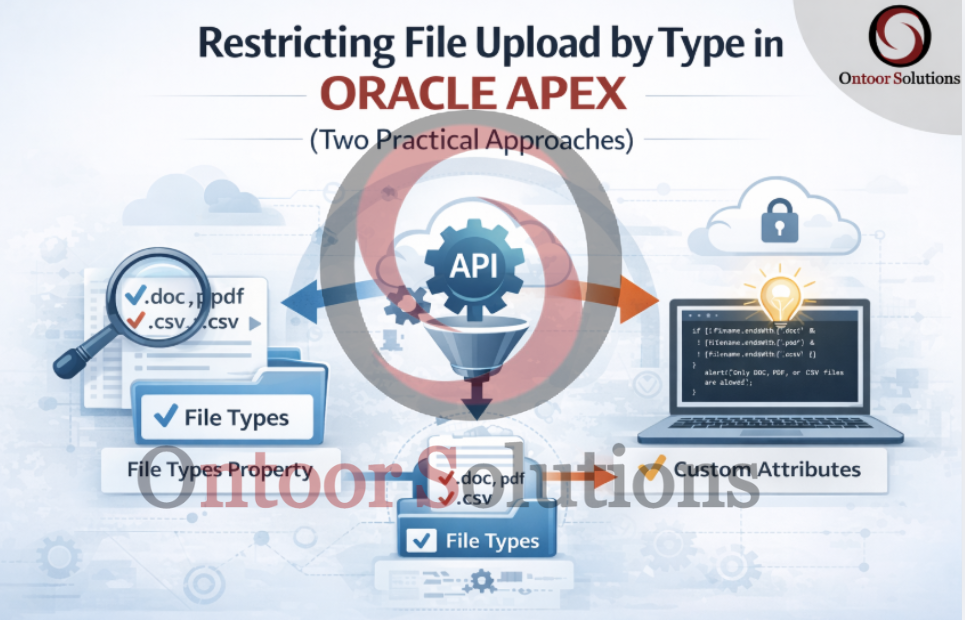

In ORACLE APEX 24.2, restricting file uploads is more structured and declarative than in earlier versions. You now have two clean approaches to control allowed file formats.
Let’s understand both methods clearly.
Way 1: Using the File Types Property (Recommended in 24.2)
APEX 24.2 provides a dedicated File Types property in the File Browse item.
Navigation
File Browse Item → File Types
This property accepts a comma-separated list of file extensions or MIME types.
Example: Allow Office, PDF, and Image Files
You can directly enter:
.doc,.docx,.rtf,.txt,.csv,.xls,.xlsx,.ppt,.pptx,.pdf,.jpeg,.jpg,.png
Allowed File Categories
Word → .doc, .docx
Excel → .xls, .xlsx
PowerPoint → .ppt, .pptx
PDF → .pdf
Text → .txt, .rtf, .csv
Images → .jpeg, .jpg, .png
You Can Also Use MIME Types
Example:
application/pdf,image/*,text/csv
This is cleaner when working with structured document policies.
Why This Method is Recommended
Declarative configuration
Cleaner than Custom Attributes
Officially supported in APEX UI
Easier to maintain
Supports substitutions (Application, Page Items, System Variables)
Way 2: Using Custom Attributes (Older Method – Still Valid)
Before APEX 24.2, file type restriction was handled using the HTML accept attribute.
Navigation
File Browse Item → Advanced → Custom Attributes
Add:
accept=”.doc,.docx,.rtf,.txt,.csv,.xls,.xlsx,.ppt,.pptx,.pdf,.jpeg,.jpg,.png”
This performs the same browser-level filtering.
The post 2 Ways to Restrict File Upload by File Type in Oracle APEX 24.2 appeared first on Ontoor blogs.